Changing your hair color is exciting, but choosing the right shade can be stressful when you want your new look to actually suit your skin tone and style. With advanced
virtual AI tools, you can now upload a clear frontal photo and receive precise recommendations tailored to your unique features. From accurate hair color detection to realistic previews, these steps help you confidently find that perfect shade before stepping into a salon. Embrace realistic hair color matching for effortless style transformations.
Table of Contents
Step 1: Upload Your Frontal Photo for Accurate Analysis
Step 2: Analyze Your Skin Tone and Face Shape with AI Tools
Step 3: Preview Hair Color Options Using Virtual Studio
Step 4: Verify and Adjust Your Color Choice for Realism
Step 5: Save Your Ideal Look and Prepare for Salon Visit
How to Choose the Right Hair Color
Step 1: Upload Your Frontal Photo for Accurate Analysis
This step is crucial because your photo quality determines how accurately the AI analyzes your hair color and skin tone. A clear frontal image gives the platform everything it needs to recommend colors that will actually work for you.
Start by taking a fresh photo of yourself facing directly toward the camera. The angle matters more than you might think. Your face should fill most of the frame, and the camera should be at eye level or slightly above.
Lighting is absolutely critical. Use natural lighting whenever possible. Stand near a window during daytime or step outside on an overcast day. Harsh shadows or indoor fluorescent lights will distort your actual hair color and skin undertones, leading to inaccurate recommendations.
Here's what to focus on:
Here's a quick comparison of lighting types and their impact on AI hair color analysis accuracy:
No makeup or filters - The AI needs to analyze your true skin tone and natural features
Hair pulled back loosely - Show your face clearly without strands covering your cheeks or forehead
Visible hair roots - If you want to check current color accuracy, visible roots help detect hair color shades with precision
Clear background - A plain wall or neutral space works best; avoid busy patterns
High resolution image - Use your phone's best camera setting for clarity
The clearer your photo, the more accurate your hair color analysis and recommendations will be.
Once your photo is ready, locate the upload button on the AI Hairstyle Studio platform. Click it and select your image file from your device. The system will automatically process your frontal photo and analyze your face shape, skin tone, and current hair color in seconds.
Wait for the analysis to complete. You'll see results almost instantly, showing your best color matches based on your unique features. Some platforms ask for 3 clear photos including a front-facing selfie for even more comprehensive personalized analysis.
Pro tip: Take multiple photos in different natural lighting conditions, then upload the one where your hair color looks most true to life under natural daylight.
Step 2: Analyze Your Skin Tone and Face Shape with AI Tools
Once your photo is uploaded, the AI platform automatically begins analyzing your unique features. This analysis reveals your skin undertones, face shape, and facial proportions, which are the foundation for finding hair colors that actually complement you.
The AI scans multiple aspects of your appearance to build a complete picture. It detects your face shape, whether that's oval, round, square, heart-shaped, or another type. Understanding your face shape matters because certain hair colors and styles enhance specific facial features.
Facial symmetry and bone structure are examined to determine what works best for your unique proportions. The system looks at how light hits your face and analyzes your skin tone, including warm, cool, or neutral undertones. These undertones are critical because they determine which hair colors will harmonize with your complexion.
Here's what the AI evaluation covers:
This table summarizes how different AI analysis features directly influence your hair color recommendations:
Face shape detection - Identifies your primary face shape for style recommendations
Skin undertone analysis - Determines if you have warm, cool, or neutral undertones
Facial harmony - Examines proportions between your features
Skin tone depth - Assesses whether you have fair, medium, or deep skin tones
Color coordination - Suggests which hair color families complement your natural coloring
Your skin undertones and face shape are the two biggest factors in choosing a flattering hair color that enhances rather than clashes with your natural features.
Wait for the analysis to complete. Most AI tools finish this within seconds and display results instantly. You'll see a detailed breakdown of your characteristics along with personalized recommendations for hair colors that suit you best.
The recommendations account for your specific combination of features, not just your skin tone alone. This is why AI analysis beats guessing or relying on trends. Your results guide what to test next.
Pro tip: Save your analysis results so you can reference them while trying different hair colors in the next step.
Step 3: Preview Hair Color Options Using Virtual Studio
Now comes the fun part. You'll use the virtual studio to test different hair colors on your photo before committing to any change. This is where you discover what actually works for you instead of just imagining it.
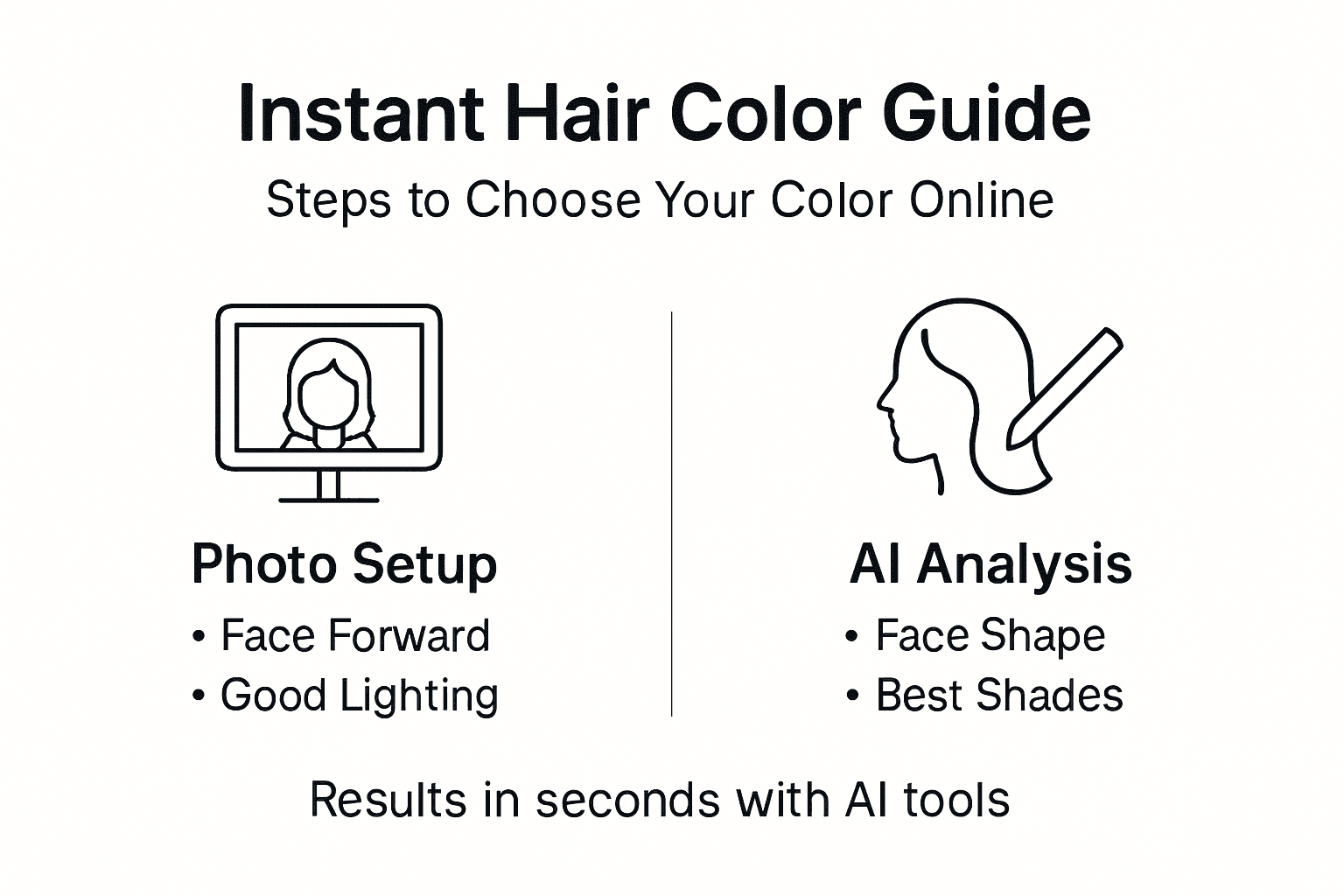
The AI Hairstyle Studio interface displays color options based on your analysis results. Start by browsing through the recommended shades tailored to your skin tone and face shape. These suggestions are a great starting point because they're designed specifically for your coloring.
But don't stop there. Experiment beyond the recommendations. Side-by-side comparisons of original and new colors help you evaluate how each shade transforms your appearance. Try warm tones, cool tones, and neutral shades to see which family flatters you most.
Here's how to get the most from your virtual previews:
Start with recommended colors - These match your undertones and face shape
Test multiple shades within one family - Light, medium, and dark versions of the same tone
Try opposite undertones - If warm is suggested, test a cool tone to see the difference
Zoom in on details - Check how the color looks near your face and roots
Adjust lighting if available - Some tools let you adjust how light hits your hair
Virtual try-ons eliminate the guesswork because you're seeing realistic previews tailored to your exact features, not generic swatches or celebrity photos.
Take your time with each color option. Notice how certain shades make your eyes pop, brighte